Blog
How to use the HDMI auto switcher cable adapter

How It Works the HDMI Auto Switcher Cable Adapter Can Bring Us Lots of Convenience ?
Step 1:
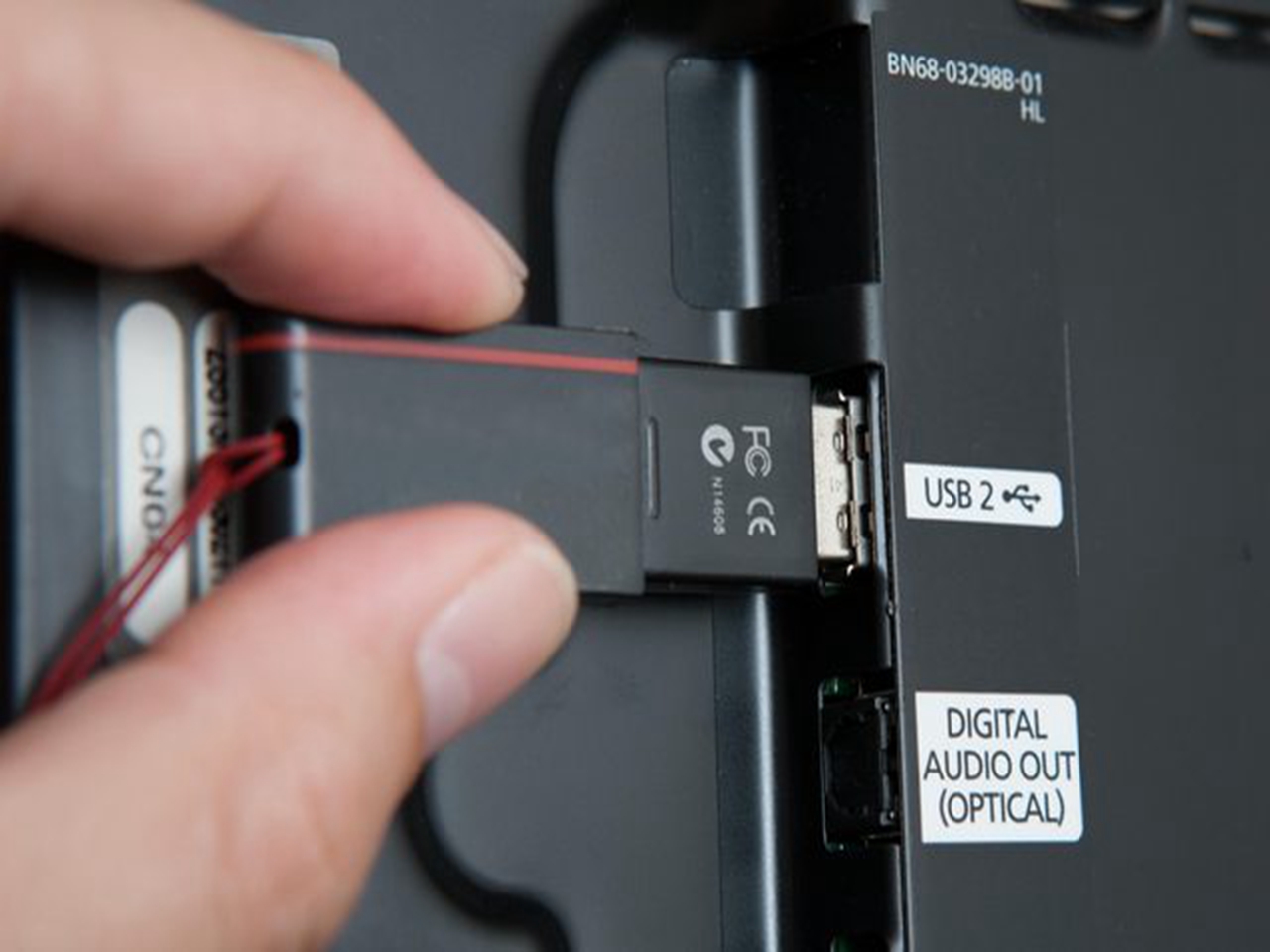
Connect the power to the switcher,and there is a USB input port in the switcher and a USB port on the cable,then connect the USB port to the network USB port (white one),at the same time put the power plug into the USB input port,and last,make the power on.
Step 2:
Take out the HDMI cable, one side connects to the switcher and the other side connect to the HDMI device, and adjust the HDMI channel in the playing device and watch his changes.

Step 3:
Connect the to network, then connect it to the network USB port (white one) with the cable, after that connect the switcher to the network USB or router USB with another cable.
Step 4:
Check whether it works. First, look at the switcher, if the 3 lights keep shinning, it works. Second, we can turn on the TV, and switch to HDMI,there will come out a QR code on the screen, meanwhile, if there has a logo on the code, we succeed;if not,check the 3 lights to see whether they keep shining,if they keep shining, lets restart the switcher,and it will come back work soon.

The HDMI auto switcher cable adapter makes it easier for us to enjoy movies and games and so on.
For more special offers, please stay here.